Welcome finacial Advisor













.

.REFFER CODE TBA123 DALNE PAR HI INCOM MILENGE .

.

.

.

.


.

.

.

.

.


.

.

.

.

.

.
.

.

.
.
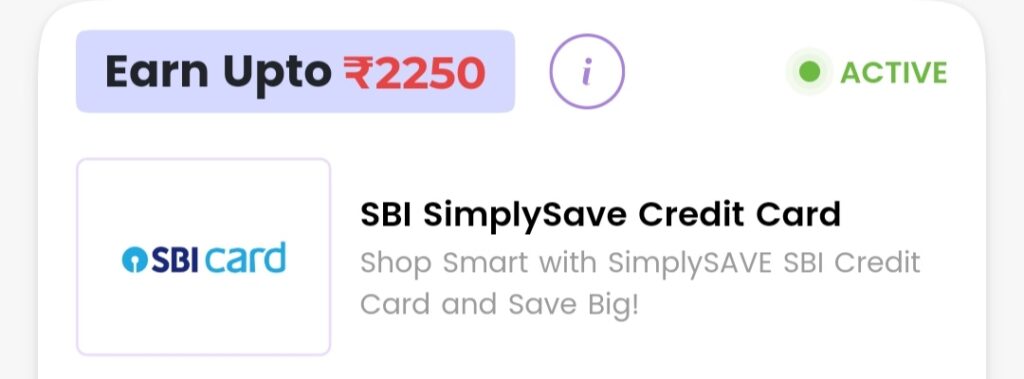
HOSTING PARCHESD UP TO 20 % OFF , REFFER TO EARN = 1000 RS.

.


.


.

.

.

.

.
.

.

.

.

.

.INDIGO PLAT
PHOTO
okkk


01. Slide Background
Every slide includes a background, which can be a picture or solid color.
Step 1
To change the background click on the label bar and in the layer window select the style tab.
Step 2
Choose a source from the background top tab then upload an image or pick a background color.

02. Build & Design
Build any layout with layers and customize your designs limitlessly.
Step 1
To add a layer, click the green plus button in the left sidebar and select the type of layer.
Step 2
Select any layer and you can edit its content and style properties in the layer window.

Smart sliders